



One of the most popular email applications, Outlook allows users to easily manage their emails. However, just like other applications, at times it may not function as intended. If Outlook is not working they way it should, try launching it in the Safe Mode. As often as not, that does the trick, and you can then fix the underlying issue.
In this post, we’ll show you how to launch Outlook in the Safe Mode in Windows 10.
Method 1
Here are the steps to follow:
- Locate the Outlook shortcut on your desktop. Pressing the Ctrl key, double-click the Outlook shortcut
- Click Yes when you are asked if you want to open Outlook in the safe mode
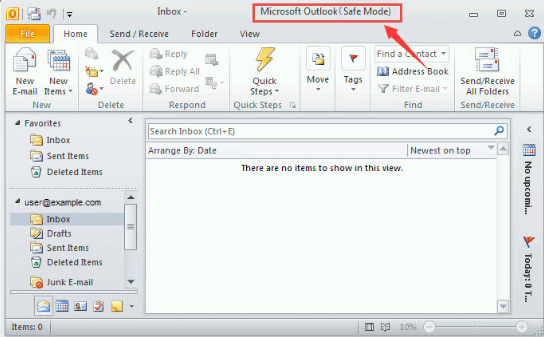
- Now you can open Outlook in the safe mode and fix the issue that was causing the problem
Method 2
Here are the steps to follow:
- Press Windows logo key + R key simultaneously
- In the run dialog box, type outlook.exe/safe and then click the OK button
- Now Outlook will open in the safe mode and fix the issue that was causing the problem
So, that’s it. Opening Outlook in safe mode for troubleshooting issues is simple, quick, and easy. You can use either of the methods shared above.