

If you have recently bought a PS3 controller and looking for steps to connect it to Windows PC then this post is for you. Here are the steps to follow
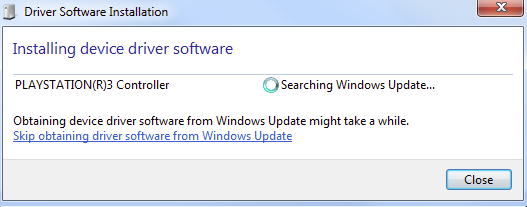
- Plug the PS3 controller to your PC through USB cable. You should see a window like the one below which indicates Windows is installing the driver for the PS3 controller
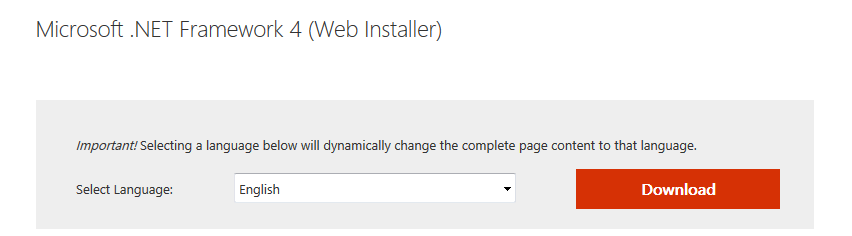
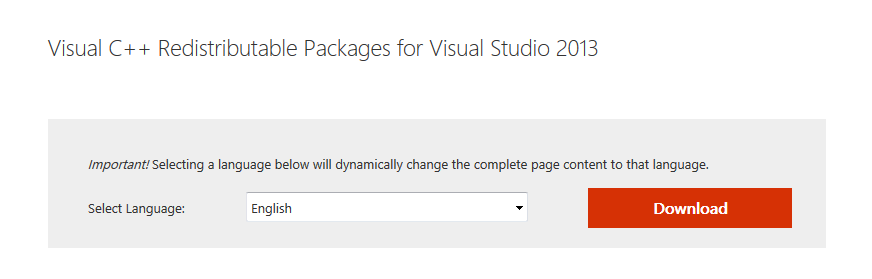
- Download Microsoft .NET 4.0 and Visual C++ 2013 Runtime from Microsoft website and install them
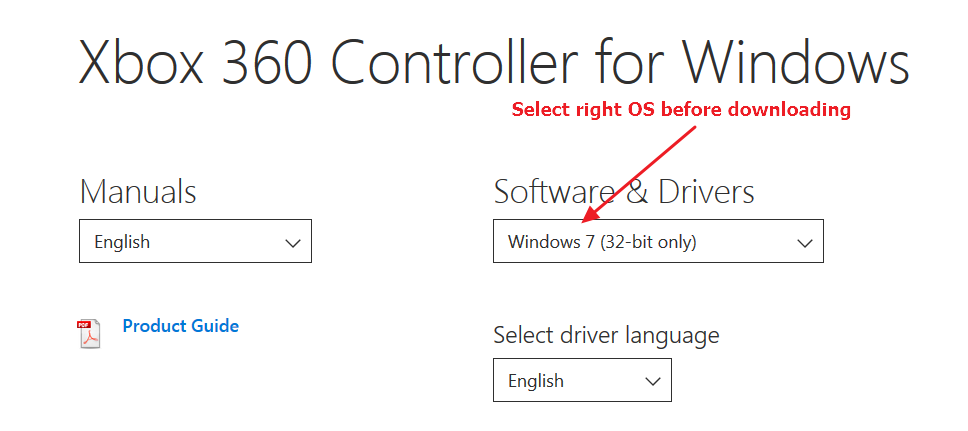
- Download Xbox 360 controller driver from Microsoft website and install it manually. You need to select right operating system before downloading Xbox 360 controller
Alternatively, you can use a reliable driver update tool.
Updating Drivers Automatically
Automatic driver update tools offer many benefits, the most important ones being:
- You can update device drivers automatically
- The software scans and updates all outdated or missing drivers at one go
- The tool picks the right drivers for your device and operating system, so you won’t have to worry about installing an incorrect driver by mistake
- Automatic driver updates are 100% safe
Driver Updater is one of the best driver update tools out there. Outbyte Driver Updater will give you access to a database of over 1 million drivers. It will regularly scan your PC, suggesting new driver versions to install. Driver Updater contains drivers for a variety of Windows devices. With just one click, you can update drivers in your system.
Step 1
Click here to Install and launch the app
Step 2
Scan all devices
Step 3
Install or update drivers automatically
Register the software to get automatic driver updates.
After you have installed required drivers, you will need an emulator which will recognize your PS3 controller as Xbox 360 controller. We are using SCP toolkit as the emulator.
- Download SCP Toolkit here
- Extract downloaded files to a designated folder
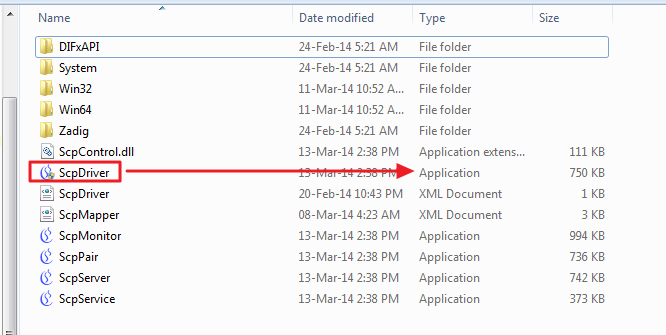
- In the extracted folder, go to ScpServer -> bin and then double-click ScpDriver (Application type)
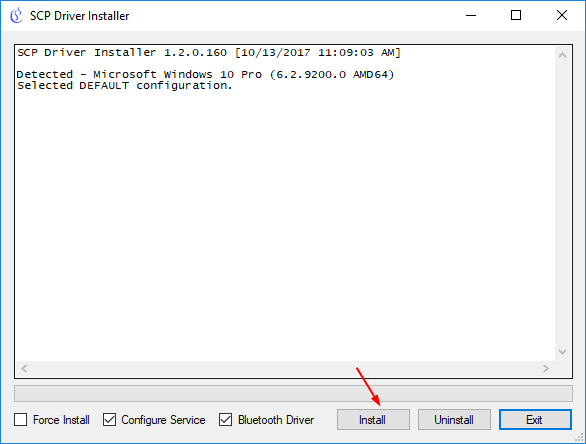
- Click Install
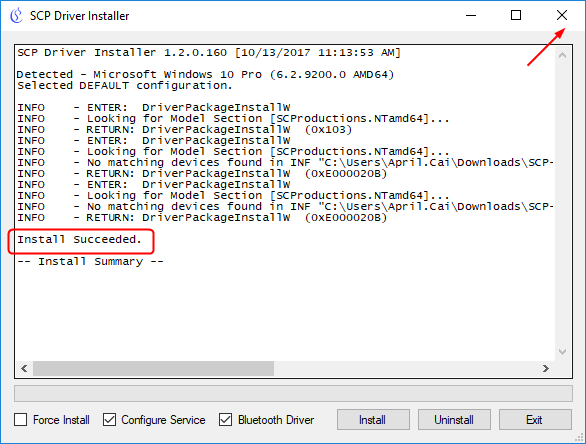
- When you see the installation has succeeded, close the window
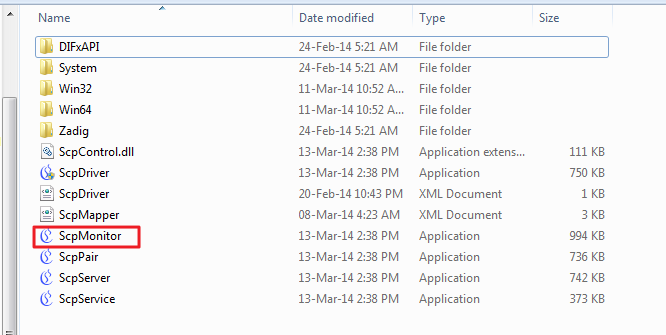
- Go back to bin folder and double-click ScpMonitor
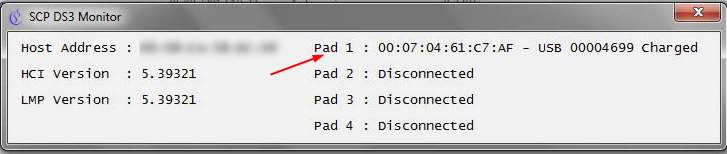
- You can see the PS3 controller is recognized and available as Pad 1 as shown in the figure